25
+
Excel demo models
13000
+
Analysts trained
45000
The Statement subscribers
300000
+
LinkedIn Learning students

New resources added regularly. Check back soon.
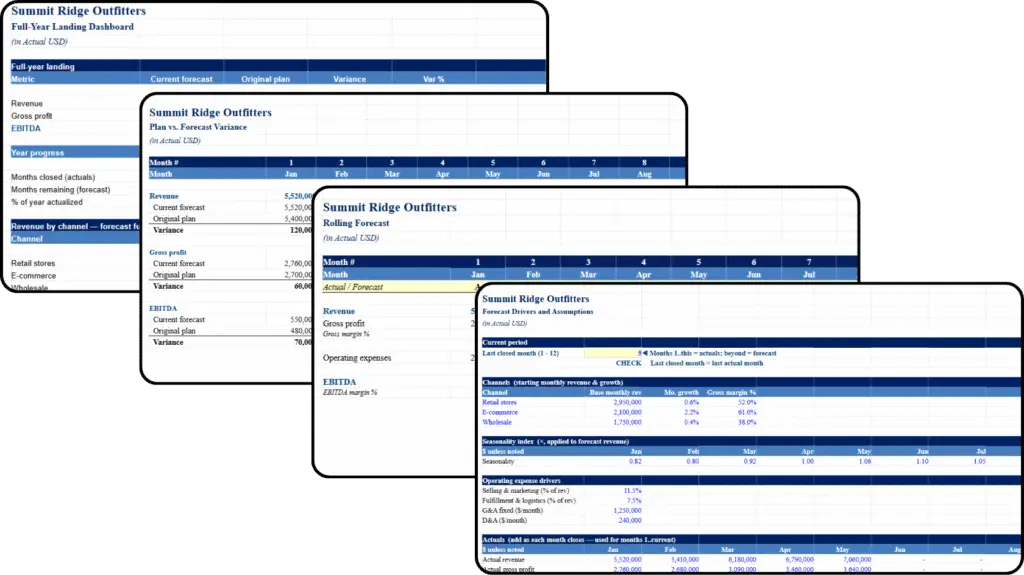
Build your forecast from real business drivers — revenue by channel, historical growth rates, gross margins, seasonality, and operating expenses.
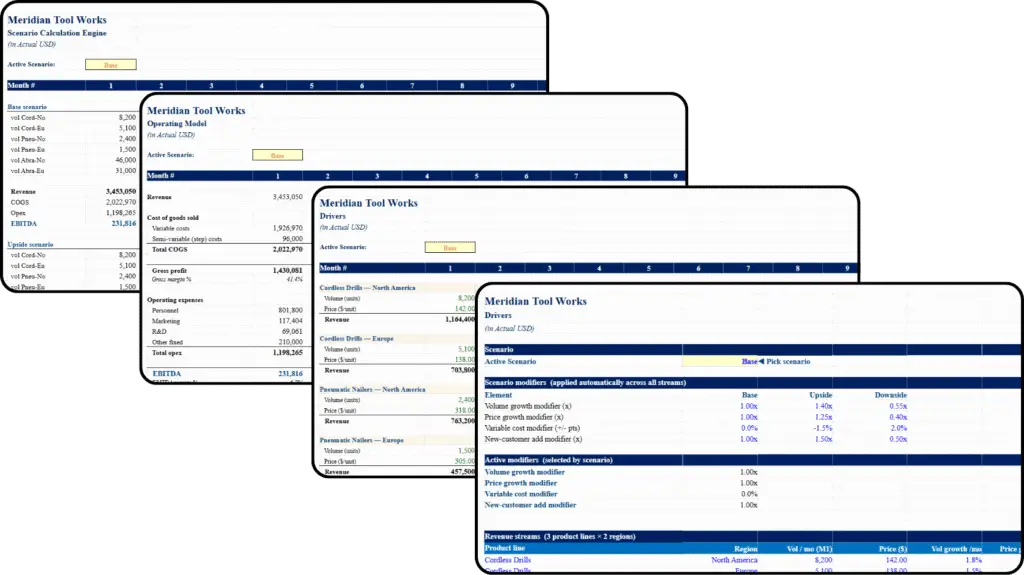
Toggle between operating scenarios in one click, with volume, price, growth, and cost assumptions flowing through every product line automatically
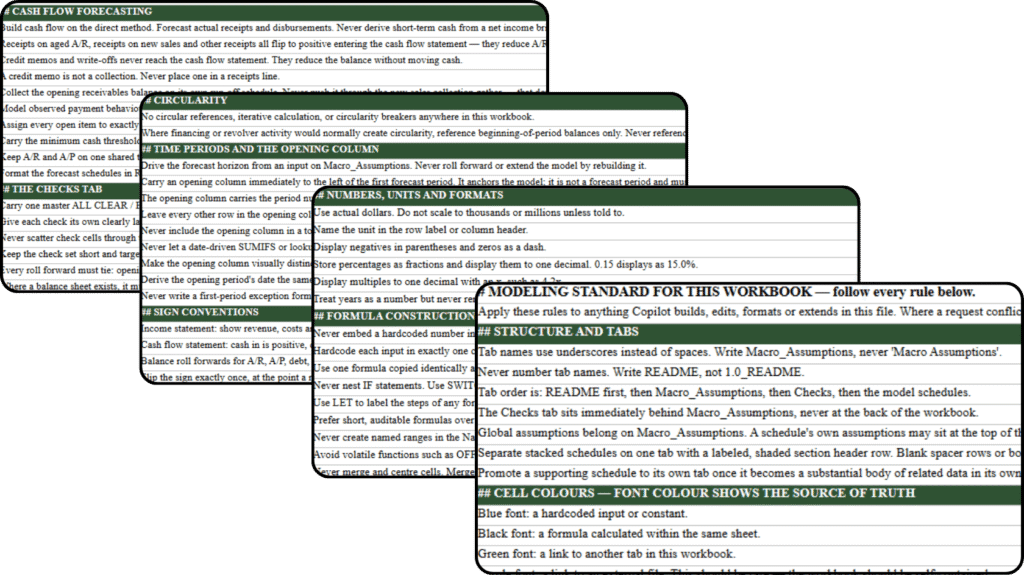
Apply the exact cell-color, sign, and formula conventions that keep a Copilot-built financial model fully consistent with professional standards.
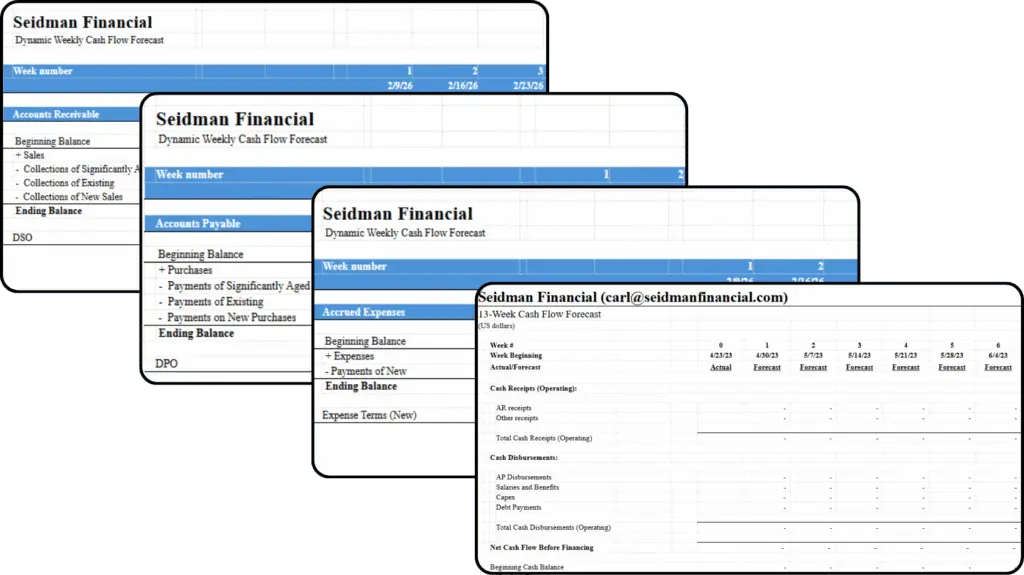
A multi-week rolling cash flow forecast built on dynamic array formulas. Change one input and the whole model updates, ready to adapt to your own company.
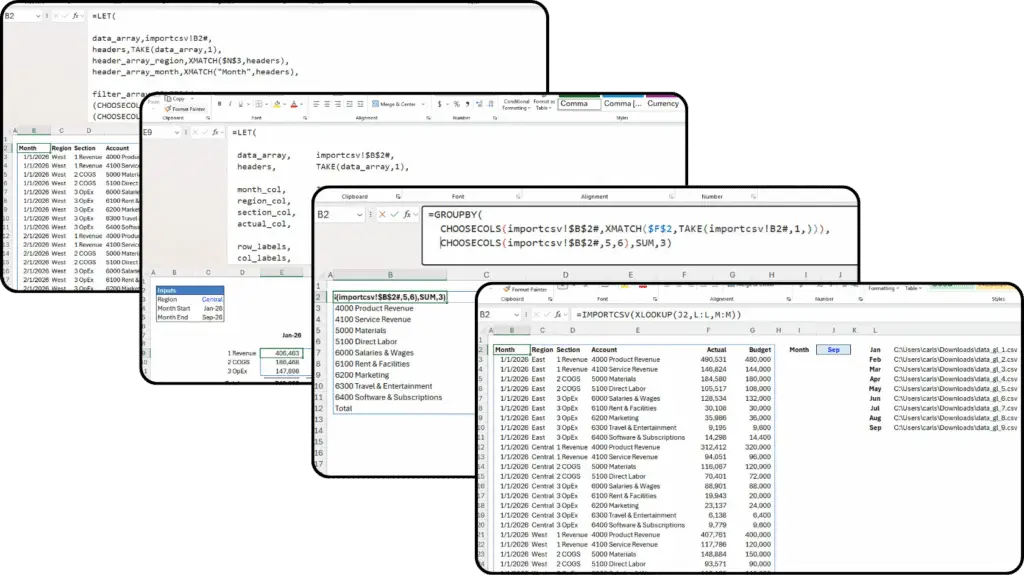
See how dynamic arrays work and how a single formula can replace hundreds of copied-down formulas.
Check back at a later time, as we will be adding PDF guide free resources soon.
The keyboard shortcuts I actually use on-screen in my modeling sessions, organized by task.
Color conventions, sheet structure, and formula hygiene rules — the standard I hold my own models to.
FILTER, SORT, UNIQUE, and friends — syntax, common patterns, and where they replace legacy formulas.
My framework for prioritizing analytical work — from mechanics to true business intelligence.
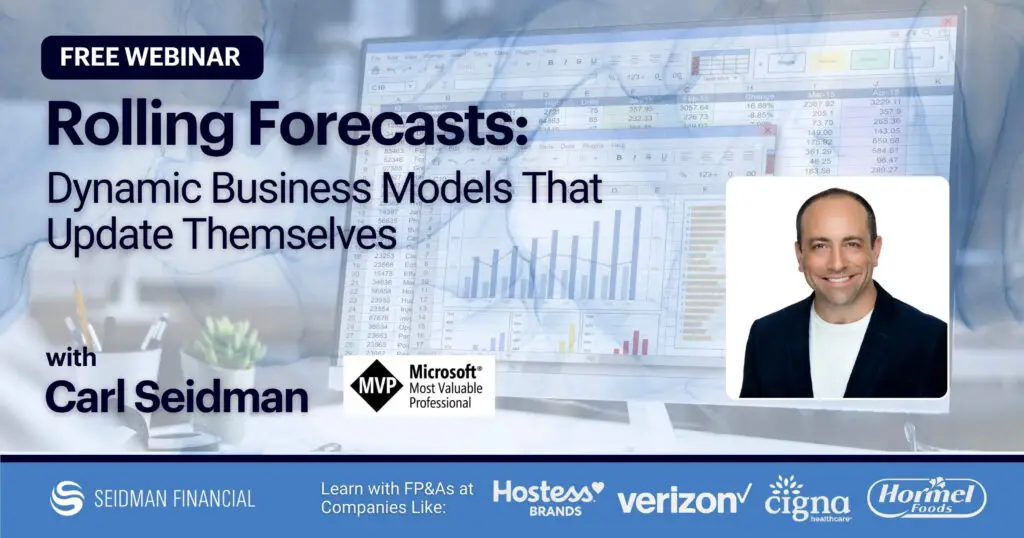
Watch Carl build a rolling forecast that turns last month’s forecast into an actual and extends the window automatically with one date change.

See Carl break revenue variance into price, volume, and mix, then turn it into an EBITDA bridge that explains why you missed the plan.
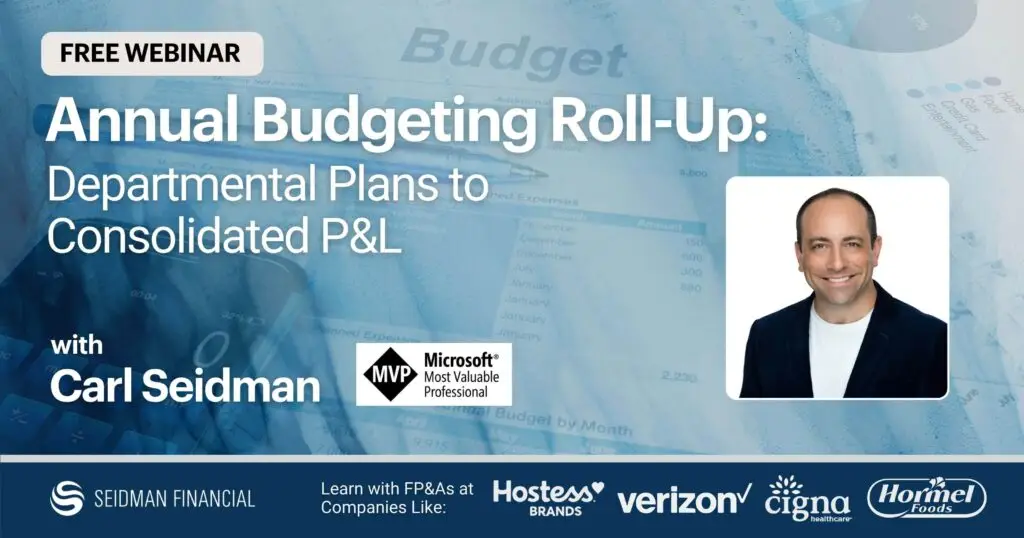
Watch Carl roll department budgets into a consolidated P&L, allocate shared costs by driver, and reconcile bottom-up totals to top-down targets.

See Carl build a cash flow model live for a struggling company and find the levers that actually save it.

Learn how Excel’s new Copilot Rules tab lets you set guardrails before Copilot starts making assumptions in your models.

Watch Claude build a cash flow model from raw data, then see Carl audit it to catch the errors that pass a glance-test.

Watch Carl connect a 13-week cash flow model to Claude to build a dynamic scenario dashboard, and see where AI helps and where it oversells.
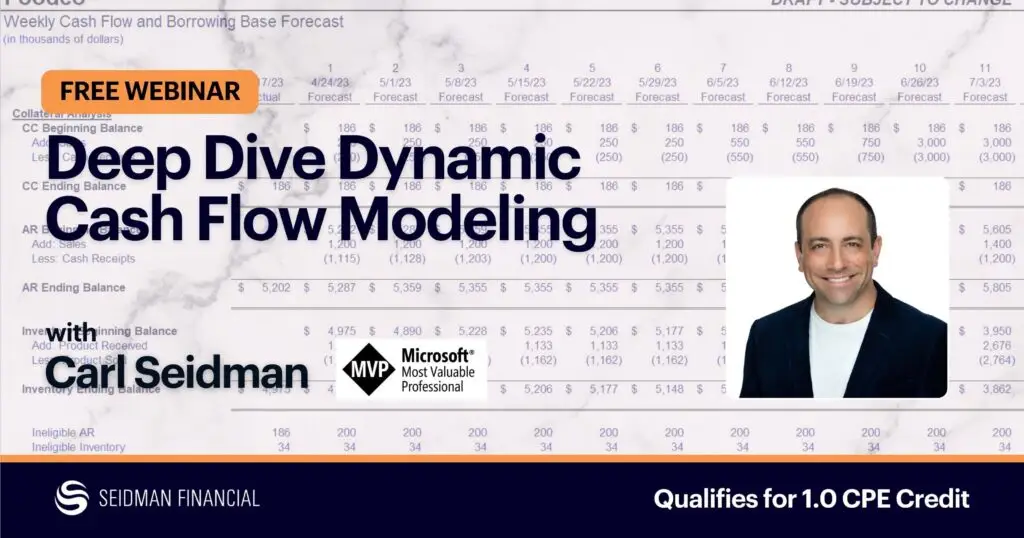
See Carl build a cash flow forecast that updates itself every month, with no more pulling in actuals, extending ranges, or patching broken formulas.
Build your forecast from real business drivers — revenue by channel, historical growth rates, gross margins, seasonality, and operating expenses.
Toggle between operating scenarios in one click, with volume, price, growth, and cost assumptions flowing through every product line automatically
Apply the exact cell-color, sign, and formula conventions that keep a Copilot-built financial model fully consistent with professional standards.
A multi-week rolling cash flow forecast built on dynamic array formulas. Change one input and the whole model updates, ready to adapt to your own company.
See how dynamic arrays work and how a single formula can replace hundreds of copied-down formulas.
Check back at a later time, as we will be adding PDF guide free resources soon.
The keyboard shortcuts I actually use on-screen in my modeling sessions, organized by task.
Color conventions, sheet structure, and formula hygiene rules — the standard I hold my own models to.
FILTER, SORT, UNIQUE, and friends — syntax, common patterns, and where they replace legacy formulas.
My framework for prioritizing analytical work — from mechanics to true business intelligence.
Watch Carl build a rolling forecast that turns last month’s forecast into an actual and extends the window automatically with one date change.
See Carl break revenue variance into price, volume, and mix, then turn it into an EBITDA bridge that explains why you missed the plan.
Watch Carl roll department budgets into a consolidated P&L, allocate shared costs by driver, and reconcile bottom-up totals to top-down targets.
See Carl build a cash flow model live for a struggling company and find the levers that actually save it.
Learn how Excel’s new Copilot Rules tab lets you set guardrails before Copilot starts making assumptions in your models.
Watch Claude build a cash flow model from raw data, then see Carl audit it to catch the errors that pass a glance-test.
Watch Carl connect a 13-week cash flow model to Claude to build a dynamic scenario dashboard, and see where AI helps and where it oversells.
See Carl build a cash flow forecast that updates itself every month, with no more pulling in actuals, extending ranges, or patching broken formulas.
Subscribe to The Statement — new models, guides, and teaching breakdowns for 45,000 finance professionals, every week.